Magpie
In use since February 2026Private, built for one
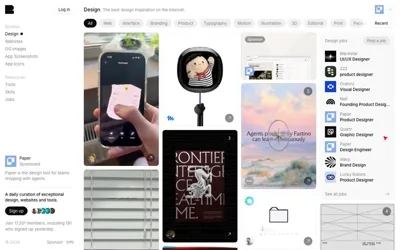
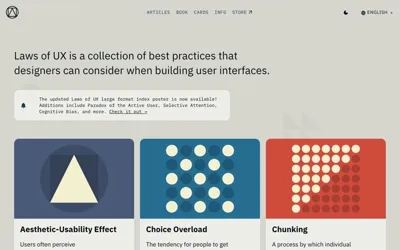
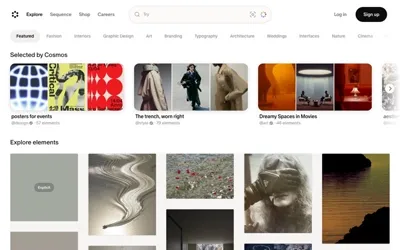
My web clipper and private library. It collects shiny things from the web and drops them into two nests at once: a full note in my Obsidian vault, and a card in a gallery I can search.
One click, two nests.
The popup on the right clips the page behind it. The card lands in the gallery, and a note lands in the vault at the same moment.



The record
What it is, and what it’s made of.
- What it is
- A Chrome extension, a bulk workbench, a companion server, a gallery and a galaxy map
- Made with
- JavaScript (Manifest V3), Python, Swift for local OCR, Markdown
- Lives in
- My Obsidian vault, plus a private copy of the library on this site
- Holds
- 279 clips from 258 sites, counted Aug 19, 2026
- Dates
- February 2026 to now
- Status
- In use
- Credit
- Built with Claude and Kip
The path of one clip
From the feather to the right shelf, without me filing anything.
Clip
I press the feather, or Alt+Shift+M. The popup already knows what the page is (a web page, a video with a transcript, a paper with its PDF), shows a preview, and takes my tags and a note. If I select text first, only the selection is saved.
Two nests
A small server on my Mac writes a Markdown note into the vault, with my notes, a page summary, the content and any transcript, and adds an entry to the library. Clipping a page twice updates it instead of making a copy. If the server is asleep, the clip downloads as a Markdown file, so nothing is lost.
Find it again
The gallery searches titles, notes, sites and tags, filters by type and origin, and opens every note in a reader. The galaxy map draws the whole library as clusters of stars: drag to fly, tap a star to open it.
Put it to work
Design clips sort themselves onto the design desk. One set of rules decides where a clip lands, and the popup shows its guess before I save: a desk tag wins, then my own sites, then project tags, then resource or example.
It knows what it’s looking at
Every clip gets an honest label and the right kind of keepsake.
- Pages
The preview comes from the page’s own image, then from a screenshot taken at clip time, then a plain title card.
- Videos
YouTube clips bring their transcript along, read from the browser with yt-dlp as the fallback.
- Papers
The open-access PDF and a searchable text copy. When no free PDF exists, it says abstract only. It never goes around a paywall.
- Repos
GitHub repositories are labeled as repos, not web pages, so they file with the tools.
The bulk workbench
For the days I have forty tabs and a camera roll of screenshots.
Drop the whole pile.
- Gather
Paste a messy list or drop screenshots. Text recognition runs on my Mac with Apple Vision, so nothing leaves the machine.
- Review
Magpie finds the links, cleans them up, skips duplicates, unchecks anything already saved, and asks what the pile is for.
- Clip
Each link is clipped in a background tab with the labels I picked. It ends with a cheerful YAY, done.
The library so far
Counted from the library on August 19, 2026.
- clips
- 279
- different sites
- 258
- tags
- 257
- clips with my own notes
- 31
- papers
- 10
- video transcripts
- 8
147 of the clips came in from an old StumbleUpon archive, and all 51 tagged weird are among them.
Built for one
Magpie is a personal tool.
It isn’t something you can install, and the library stays behind a password. The design half of it is public, though: everything Magpie files for the design desk shows up there.